Put multiple screenshots in one mockup
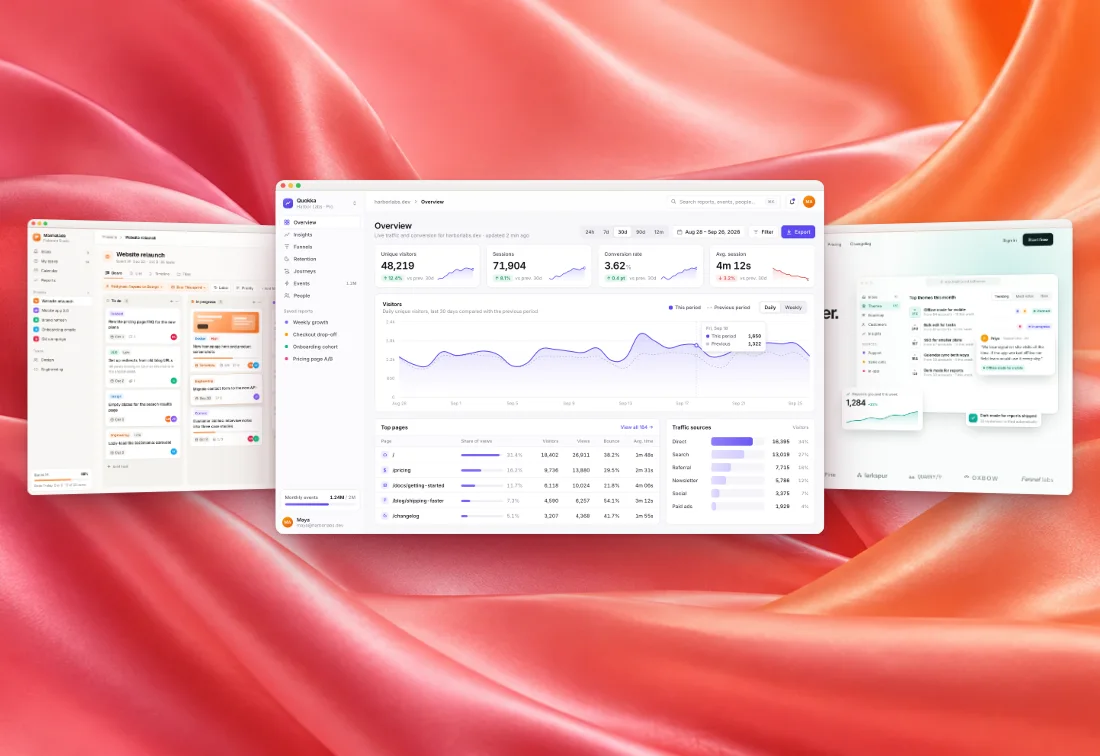
A screenshot collage maker made for app and website screens: drop 2 to 6 screenshots and get one image in a real layout, with window or device frames, a background and shadows.
or paste one — the editor picks a layout for how many you add
How to put several screenshots in one image
Drop your screenshots
Drop or choose 2 to 6 screenshots above. The editor opens with a layout that fits the number.
Pick a layout
Under Screens, switch between the six layouts. Drag a screenshot onto a screen to swap or replace it.
Style and export
Every style works: backgrounds, frames, shadows and tilt. Export PNG, JPEG or WebP up to 4×.
The six layouts
Open the editor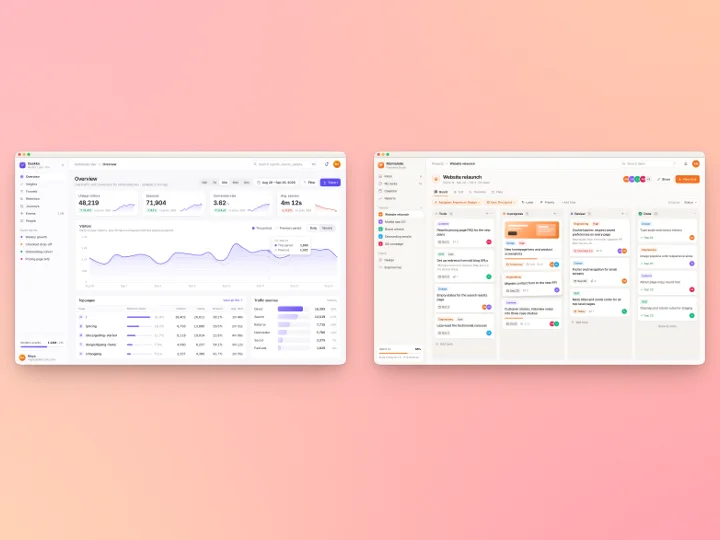
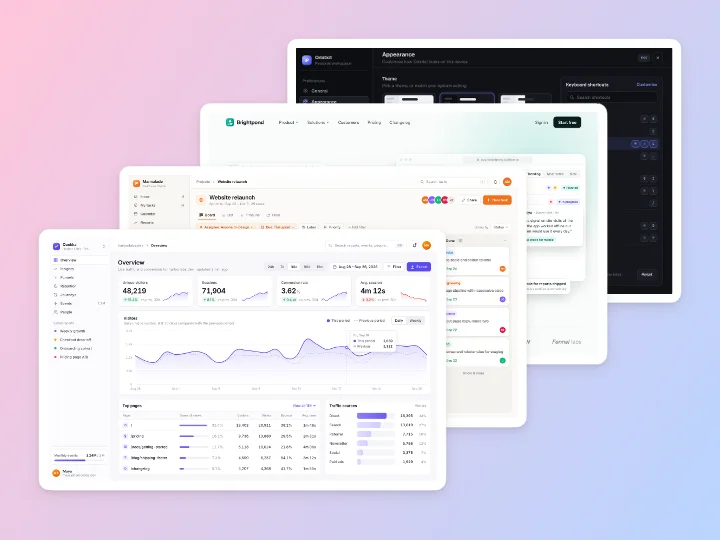
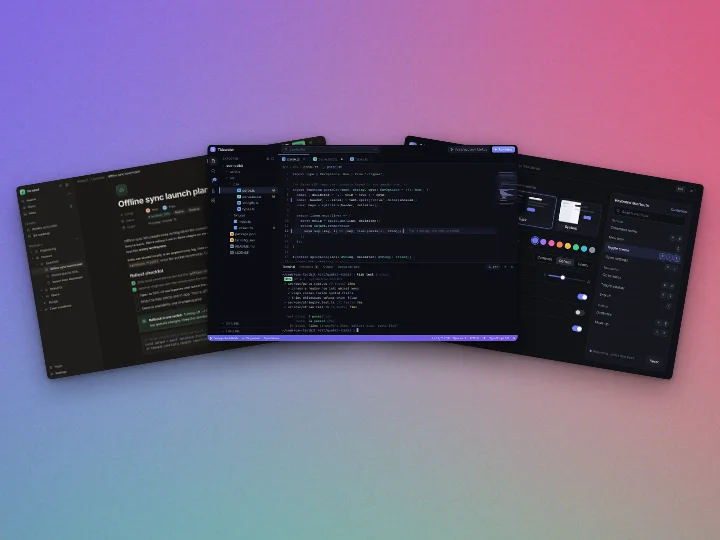
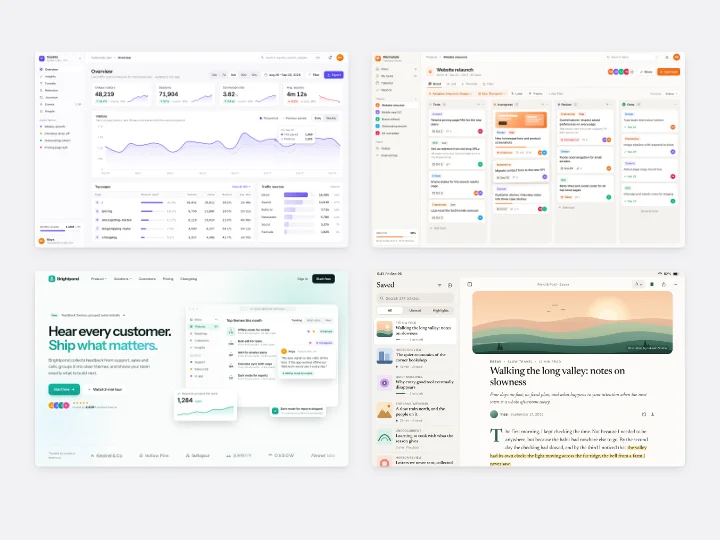
Which layout for what
Each layout has a couple of knobs (spacing, tilt, overlap, spread or gap) and every style works with it.
Side by side (2 to 3 screens)
Before and after, or two versions next to each other.
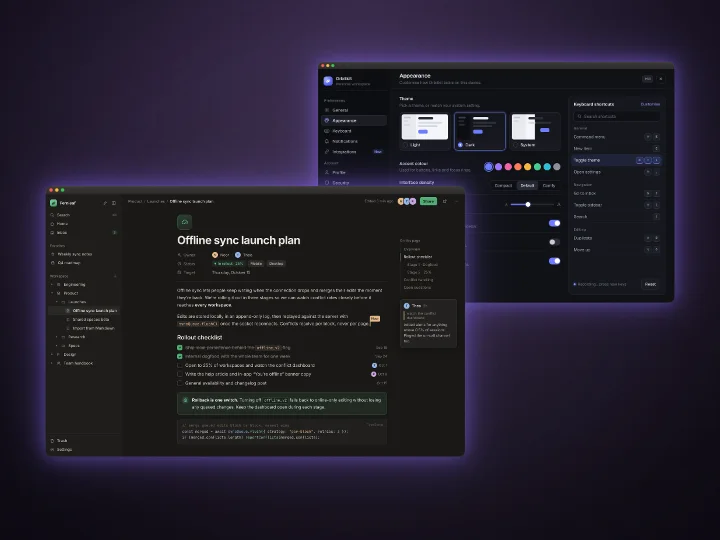
Overlap (2 screens)
Depth: one screen in front, one peeking out behind it.
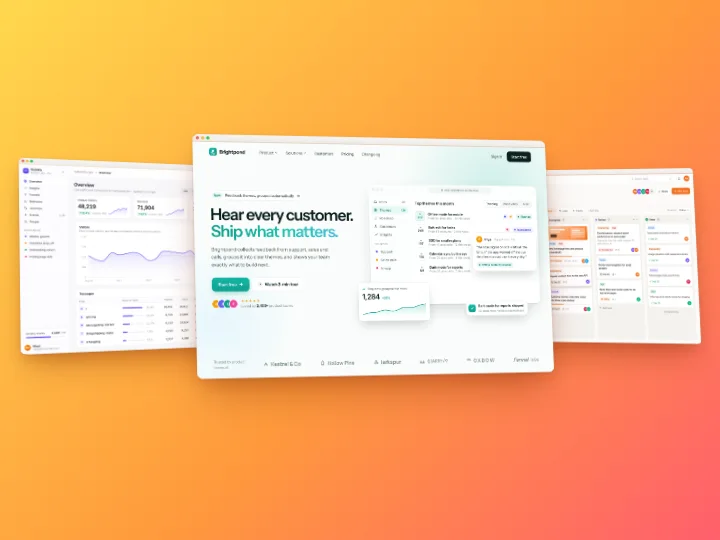
Hero (3 screens)
A launch image with one clear focus and two supporting screens.
Cascade (3 to 5 screens)
A flow or a sequence of steps, stepping back diagonally.
Fan (3 to 5 screens)
A showcase of several screens spread like a hand of cards.
Grid (4 to 6 screens)
Docs, changelogs and portfolios where every screen matters equally.
A screenshot collage maker that knows about screens
General collage tools put photos in a grid. Screenshots need more: a window or device frame, padding, a shadow, and a background that holds several screens together. Here the frame and style you pick apply to every screen, so a browser frame goes around each one, and the layout keeps them lined up.
Mixed shapes are fine. A wide desktop screenshot and a tall phone screenshot can sit in the same design; each screen is fitted to its own shape.
Swap, replace and reorder screens
Drop a file on a screen to replace it, or drop several on the design to fill the empty screens in order. Drag one screen onto another to swap them. Each screen has a menu to replace it, swap it with its neighbour or empty it. Everything works from the keyboard too: Tab reaches the screens, Alt with the arrow keys swaps them, and Delete empties one.
Blur boxes, arrows and highlights stay on the screen you drew them on, even when you switch layouts.
From a batch to one design
Working through a batch? Select 2 to 6 images in the list and choose Combine into one design. They become one multi-screen image with the batch's style, and the originals stay in the batch.
Multi-screen mockup tools compared
| Feature | Shotcandy | Screenshot Studio | Pika | Previewed |
|---|---|---|---|---|
| Price | Free | Free | Free tier; Pro $150/yr or $299 once | Free with attribution; paid from $9.99 |
| Screens in one image | 2 to 6, in 6 layouts | Up to 6 devices | Up to 6, in Pro templates | Template scenes |
| Desktop and web screenshots | Yes, with window and browser frames | Yes | Yes | Yes |
| Image stays on your device | Yes | Yes, it says so | Yes, it says so | Not listed |
| Open source | Yes, MIT | Yes, Apache 2.0 | Free features only | No |
Checked on 30 September 2026 on each tool's own site (linked in the table). "Not listed" means we couldn't find it there. Prices and features change, so check before you decide. Previewed and Screenshot Studio also offer 3D device scenes, which Shotcandy doesn't.
Multi-screen mockup FAQ
Related tools
How do I put two screenshots side by side?
Drop both screenshots on the box above, or open the editor, add one, and pick Side by side under Screens. Then drop the second one onto the empty screen.
Can I mix phone and desktop screenshots?
Yes. Each screen is fitted to its own shape, so a phone and a desktop screenshot can share a layout.
How many screenshots can go in one image?
Two to six, depending on the layout: Side by side takes 2 or 3, Overlap 2, Hero 3, Cascade and Fan 3 to 5, and Grid 4 to 6.
Can I use a screen recording in a layout?
Not yet. Screen recordings, code images and post cards always show as a single screen.
Is it free, and is anything uploaded?
It's free with no watermark, and nothing is uploaded: the layout is drawn in your browser.
Can I go back to one screenshot?
Yes. Pick Single under Screens. The other screens are kept, so switching back to a layout brings them back.
Your next screenshot deserves better
Open the editor and pick a layout under Screens.