Add a macOS window frame to any screenshot
Paste a screenshot and get a crisp macOS-style window on a beautiful background. Free, private and instant: nothing is uploaded, and it works the same on Windows and Linux.
or drop a file — the editor opens with the frame ready
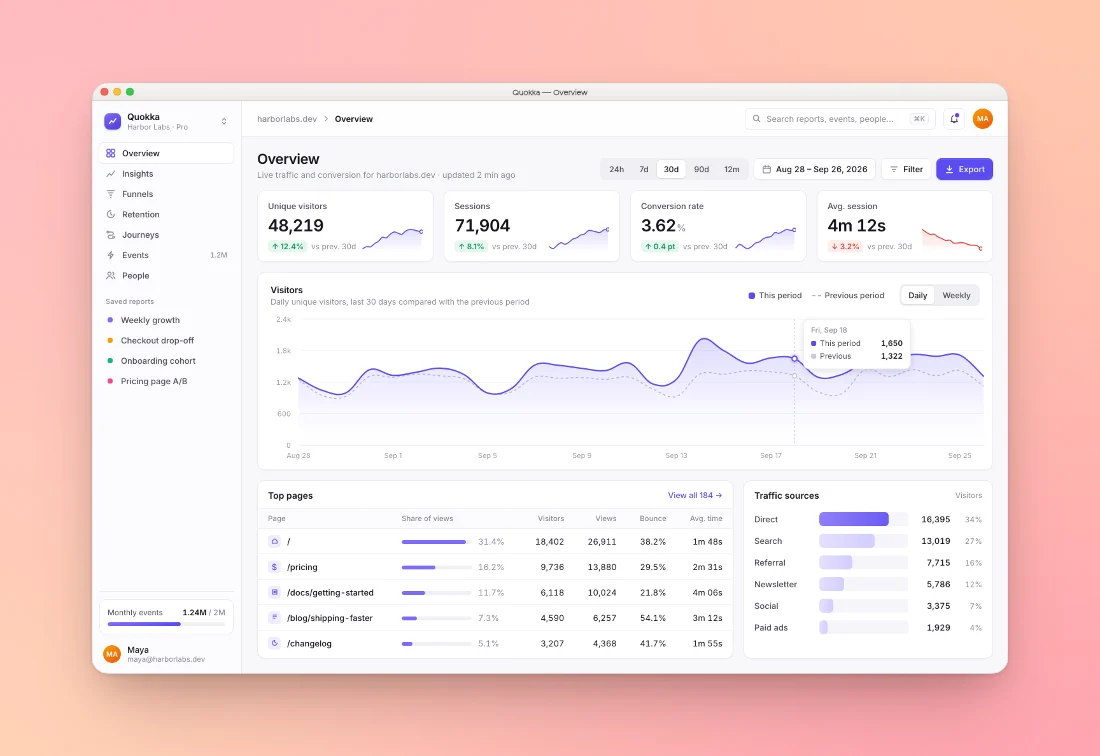
How to add a macOS window frame to a screenshot
Paste
Copy a screenshot and press ⌘V (Ctrl+V), drop a file, or pick one.
Pick a style
The macOS frame is already on. Choose Auto, Light or Dark, type a window title, then pick a background, padding and shadow.
Export
Copy to clipboard or download PNG, JPEG or WebP up to 4×, sized for any social network.
Made with this tool
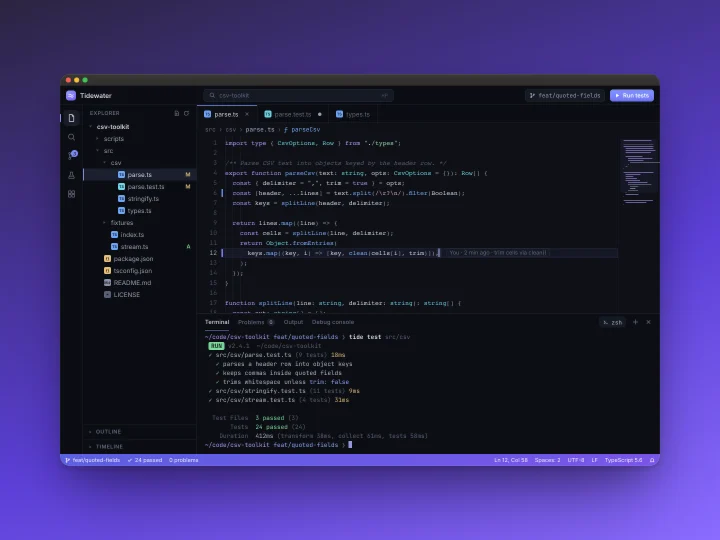
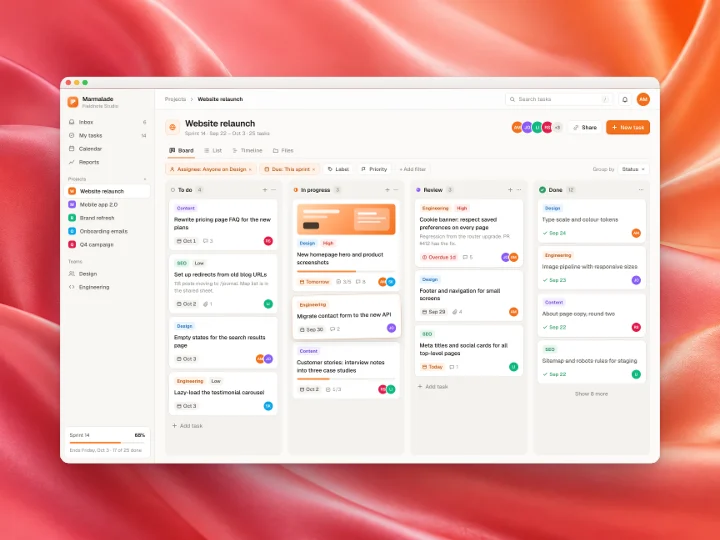
See all 42 styles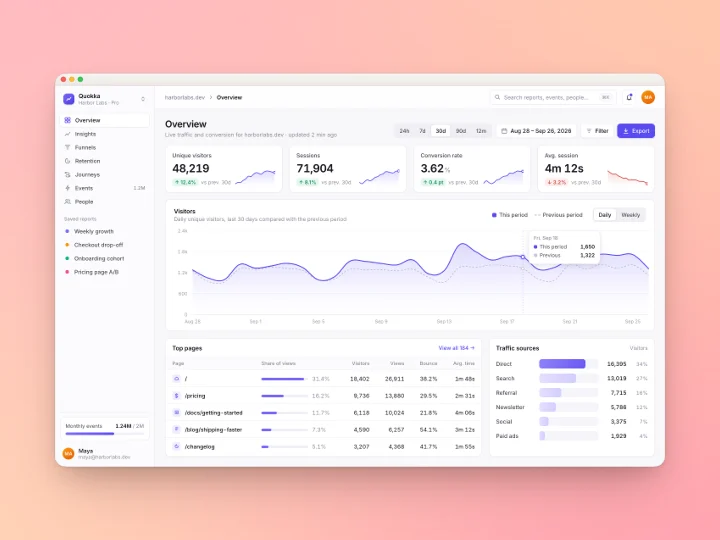
What you can do with it
A window frame tells people they're looking at software, not a photo. It also gives a cropped screenshot clean edges.
Product updates and changelogs
Frame the new screen, add the feature name as the window title, and post it. The title bar makes a tight crop read as an app window.
Docs and help articles
Use the same frame and padding on every image so a long article looks consistent. Batch mode styles a whole folder in one go.
Slides and talks
A framed screenshot on a soft background holds up on a projector better than a raw one with a white edge.
Portfolios and case studies
Put several screens side by side or in a cascade, each in its own window, in one image.
Windows and Linux apps
Nothing checks where the screenshot came from. Anything in a PNG, JPEG or WebP gets the same frame.
Social posts
Pick X, LinkedIn or an Instagram size and the window is fitted to the canvas with room around it.
Light, dark, or matched to your screenshot
The frame has three themes. Light draws a pale grey title bar, Dark a graphite one, and Auto (the default) looks at the top rows of your screenshot and picks the one that fits, so a dark app gets a dark window without you asking.
The frame is drawn in vectors at export size, so the title bar and its hairline stay sharp at 4×. The window's corner radius follows the card's corners, and the shadow sits under the whole window, not just the image.
Add a window title
Type a title under the frame picker and it appears centred in the title bar, like a real window. Use the app and page name ("Quokka — Overview"), a file name, or leave it empty for a clean bar. A long title is shortened with an ellipsis so it never runs into the window buttons.
The red, yellow and green buttons can be switched to a quiet grey with the Colour window buttons switch, which suits calm or monochrome designs.
Other frames
The macOS window is one of six frames. The browser frame adds an address bar with your own URL, which suits websites and web apps. Phone, tablet and laptop frames are our own drawings, not vendor artwork. The design canvas frame shows your shot the way a design tool shows a selected frame, with its name above and its pixel size below. Press F in the editor to cycle through them.
Every one works with the style presets, with batches and with multi-screen layouts.
Other ways to get a macOS window frame
You can take a real window screenshot on a Mac (⌘⇧4, then Space), but it only works on a Mac, for apps you can open, and it gives you a transparent shadow you still need to place on something. Tools that draw the frame for you:
| Feature | Shotcandy | Screely | Xnapper | CleanShot X |
|---|---|---|---|---|
| Price | Free | Free | $29.99 one-time (free with watermark) | From $35 one-time |
| Runs on | Any browser | Browser, Chrome extension | Mac (plus a separate iOS app) | Mac only |
| Image stays on your device | Yes | Yes, it says so | Yes, a native app | Yes, unless you use its Cloud |
| Open source | Yes, MIT | Not stated | No | No |
| Style many screenshots at once | Yes, up to 100 | Not listed | Not listed | Not listed |
Checked on 30 September 2026 on each tool's own site (linked in the table). "Not listed" means we couldn't find it there. Prices and features change, so check before you decide.
macOS window frame questions
Related tools
Is it free to add a macOS frame?
Yes. Shotcandy is free and open source, with no watermark and no sign-up. Export up to 4× resolution as PNG, JPEG or WebP.
Is my screenshot uploaded?
No. The frame is drawn in your browser with the canvas API. Your image never leaves your device.
Can I use a dark window or add a title?
Yes. Switch the frame between Auto, Light and Dark, type a window title, or turn off the coloured window buttons for a grey set.
Does it work with Windows or Linux screenshots?
Any PNG, JPEG or WebP works. The frame is our own macOS-style drawing, so it suits any desktop screenshot.
Can I frame a whole folder at once?
Yes. Drop up to 100 screenshots, or a folder, into the editor. They share the frame and style, you can still change any single image, and Export all saves them as a ZIP with their original names.
Can I frame a screen recording?
Yes. Drop in an MP4, MOV or WebM recording and it gets the same window, background and shadow. Export it as MP4, WebM or GIF.
Your next screenshot deserves better
Open the editor with the macOS frame already applied.