Sweet screenshots, free forever.
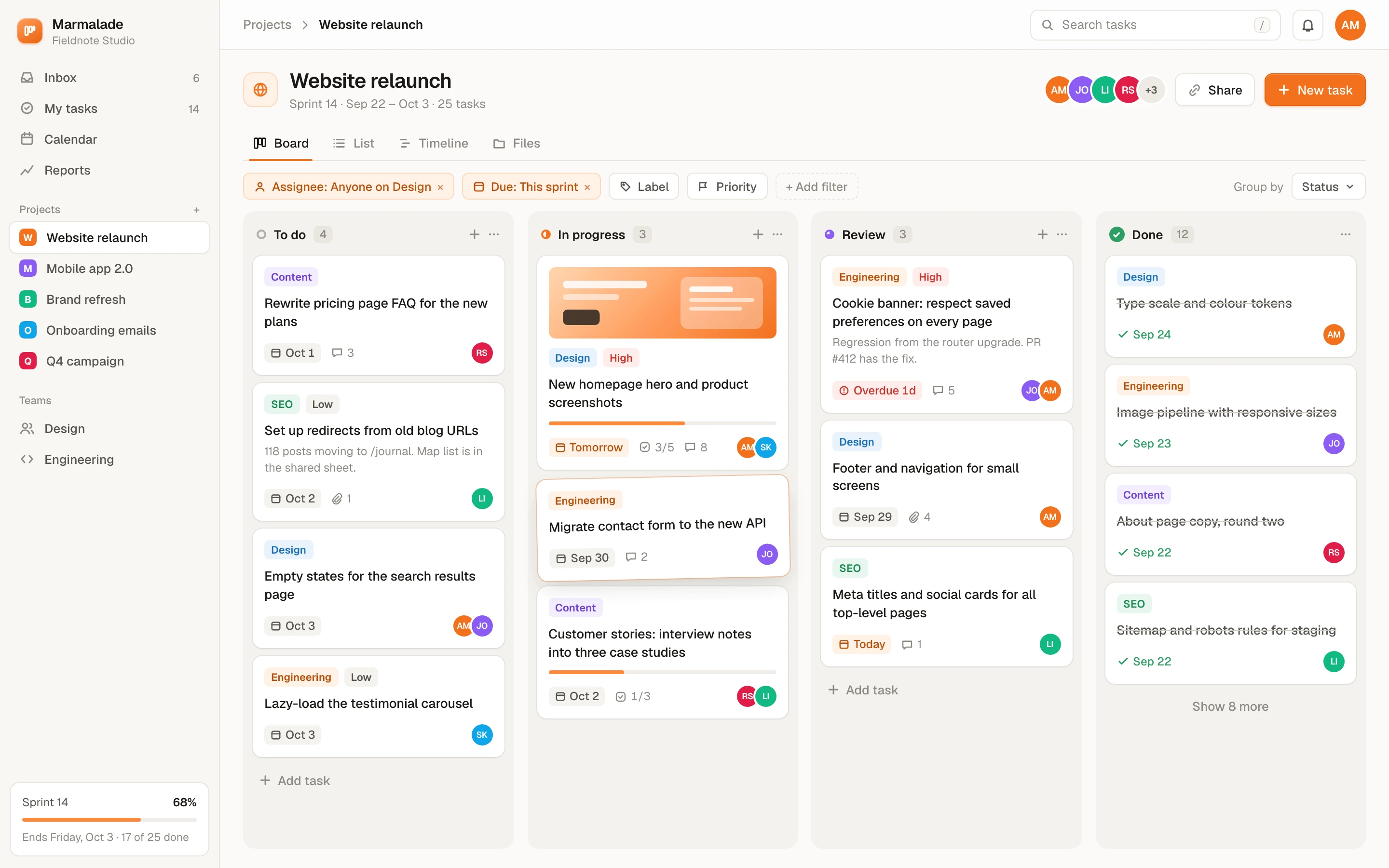
Shotcandy is a free, open-source screenshot beautifier that runs in your browser. It turns a plain screenshot or screen recording into a share-ready image or video in a few seconds: no account, no upload, no watermark, no paywall.
Private by design
Images are processed on your device with the HTML canvas. Nothing is uploaded, ever. Saved styles live in your browser.
Free, really
Every feature is free: 4× export, every frame, every background. No sign-up, no watermark, no “Pro” badge.
Open source
MIT licensed. Read the code, run it yourself, fork it, or send a pull request. Built with Next.js and a small canvas renderer.
Keep the candy jar full
Shotcandy costs nothing to use and never will. If it saves you time, a small one-off tip helps pay for the domain and the evenings spent maintaining it. Thank you!
Pay what you like, once. Monthly support is optional.
What’s inside
Everything you need to make a screenshot or recording look good, and nothing you have to pay for.
- Paste, drop or pick — PNG, JPEG and WebP screenshots
- Screen recordings — MP4, MOV or WebM: trim, keep or drop the sound, export as video
- Many screenshots at once — up to 100 in one style, with changes per image, saved as a ZIP
- Multi-screen designs — 2 to 6 screenshots in one image, in six layouts from side by side to grid
- 42 one-click styles — tilts, peeks, stacks and prints, on your own shot
- Gradients, mesh and wallpapers — plus colours picked from your image
- Minimal styles — plain white, soft grey, outline, graphite and a design-canvas look
- Frames — macOS window, browser, phone, tablet, laptop, design canvas
- Annotations — text, arrows and highlights
- Redaction — blur, pixelate or a solid box over anything private
- Code images — 26 languages, 8 themes, highlighted lines
- App Store sets — 3 to 10 slides at Apple's exact sizes, exported as a ZIP
- Post and testimonial cards — a name, handle, avatar and your words, no third-party API
- Motion — zoom, float, 3D sweep and more, exported as MP4, WebM or GIF
- Every social size — Open Graph, X, LinkedIn, Instagram, Product Hunt, App Store
- Export 1× to 4× — PNG, JPEG, WebP, MP4, WebM or GIF, or copy to clipboard
- Save your own styles — and back up projects as a file
- Keyboard friendly — every control reachable, shortcuts for the rest
- Light and dark — follows your system
Questions about Shotcandy
Does my screenshot leave my computer?
No. Shotcandy is a static website. Your image is decoded and drawn with the canvas API inside your browser tab, and exports are generated there too. There is no server to send it to.
Can I style a screen recording?
Yes. Drop in an MP4, MOV or WebM recording (up to 10 minutes) and it gets the same backgrounds, frames, tilt and blur as a screenshot. Trim it, keep or drop the sound, add a motion, and export MP4, WebM or GIF. Like screenshots, recordings never leave your browser. If your browser can't play a file (HEVC outside Safari, for example), re-save it as H.264.
Can I style lots of screenshots at once?
Yes. In Screenshot mode, drop, paste or add several images, or a whole folder: up to 100 on a computer, 30 on a phone. They share one style, and the All / This image switch lets you change a single image. Export them all as a ZIP, straight into a folder in Chrome or Edge on a computer, or to the share sheet on a phone. Each file keeps its original name, and nothing is uploaded.
Can I put several screenshots in one image?
Yes. Under Screens, pick a layout (Side by side, Overlap, Hero, Cascade, Fan or Grid) and add 2 to 6 screenshots. Every style works with it. In a batch, select 2 to 6 images and choose Combine into one design. Screen recordings stay single.
Can I use the images commercially?
Yes. Your exports are yours. The built-in wallpapers and frames are part of the project and MIT licensed.
Is there a watermark or a paid plan?
No watermark, no plan, no locked features. Support is optional and changes nothing in the app.
How do I report a bug or suggest a style?
Open an issue on the repository. Style suggestions with a screenshot are very welcome.
Who makes it
Shotcandy is made by Bilal Tahir and maintained in the open on GitHub, where issues, style ideas and pull requests are welcome.
What changed and when is in the changelog. The latest version added batches of up to 100 screenshots and multi-screen designs.
How it compares
There are good paid and free tools in this space. Shotcandy's differences are that everything is free, nothing is uploaded, and the code is MIT licensed. If you need 3D device scenes or screen capture built in, another tool may suit you better; the alternatives page compares them fairly. Every tool Shotcandy has is listed on the tools page.
Credits
| Type | Bricolage Grotesque, Figtree and Geist Mono, all under the SIL Open Font License 1.1 |
|---|---|
| Wallpapers | Generated for Shotcandy and released under MIT with the project |
| Frames | Our own vector drawings; not affiliated with any device maker |
| Video | Mediabunny (MPL-2.0) reads and converts screen recordings in your browser |
| Sample screenshots | Fictional apps built in HTML for demos |