The free screenshot beautifier that stays in your browser
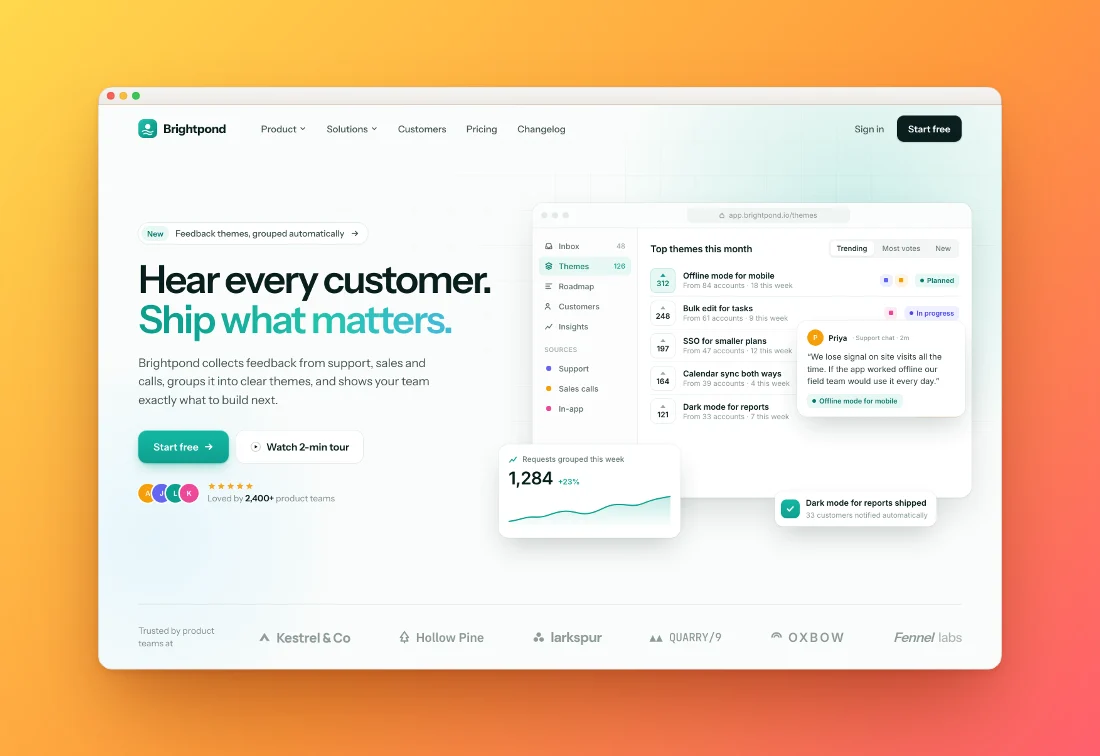
Drop in a screenshot and it comes out ready to share: a background picked from your own colours, soft shadows, rounded corners and the right size for every network.
or drop a file — the editor opens with the style ready
How to beautify a screenshot
Paste
Copy a screenshot and press ⌘V (Ctrl+V), drop a file, or pick one.
Pick a style
Every one of the 42 styles previews on your own screenshot: tilts, peeks, stacks, prints and devices. Tweak background, padding, corners and shadow.
Export
Copy to clipboard or download PNG, JPEG or WebP up to 4×, sized for X, LinkedIn, Instagram or the App Store.
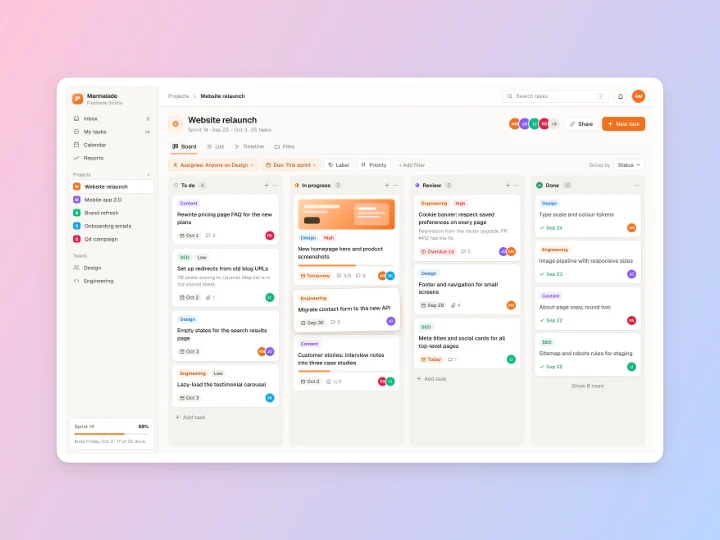
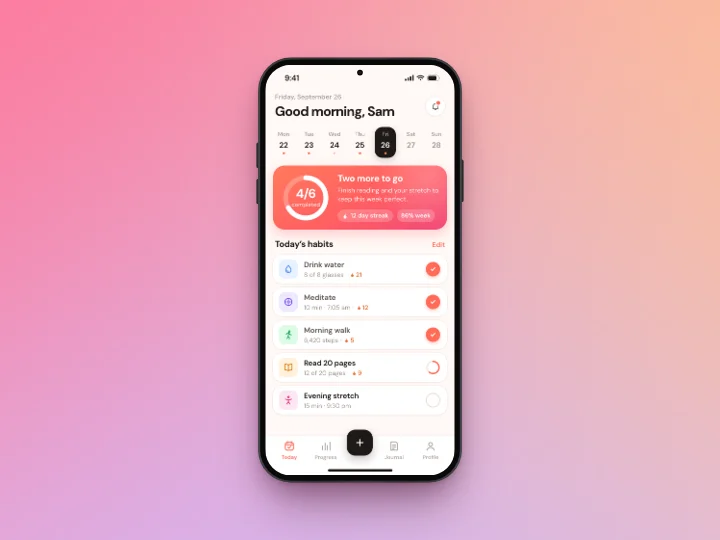
Made with this tool
See all 42 styles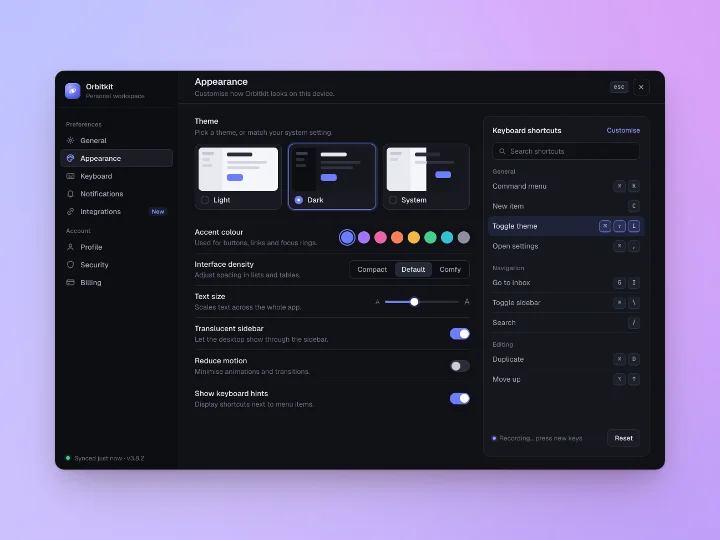
What you can do with it
A screenshot beautifier puts your screenshot on a designed background with padding, rounded corners and a shadow, often inside a window or device frame. It turns a flat grab into something that looks finished.
Launch posts
Pick an X, LinkedIn or Product Hunt size and the screenshot is fitted with room around it, so nothing gets cropped in the feed.
README and docs images
A light style with a soft shadow reads well on white and dark GitHub themes. Export at 2× for crisp text.
Release notes
Style one screenshot, then drop in the rest of the release. They all share the style and export together.
Bug reports and support replies
Add an arrow or a highlight, blur the customer's email, and paste the result straight into the ticket.
Pitch decks
Tall canvases get a caption card: a headline and subhead above the screenshot, set in the brand's display type.
Screen recordings
The same styles work on MP4, MOV and WebM recordings. Trim them and export MP4, WebM or GIF.
How to add a background to a screenshot
Paste the screenshot and it lands on the default style straight away. To change the background, open Background in the side panel. You can use a gradient, a mesh, a solid colour, one of 12 original wallpapers, or your own image. From your shot builds a palette from the screenshot itself, so the background always goes with it.
Press S for Candy Shuffle, which re-rolls background, tilt and frame together, or G to see every style rendered with your own image. Styles that suit the screenshot's shape come first: phone shots get phone styles, wide shots get wide ones.
Shadows, corners, frames and tilt
Padding, corners and shadow have named stops (S, M, L, XL and so on) so it's easy to land on the same look twice. Add a border, an inset plate, a 3D tilt or move the card to an edge so it runs off the canvas. Frames include a macOS window, a browser with your own URL, phone, tablet and laptop drawings, and a design canvas frame.
For privacy, draw a blur or pixelate box over anything personal before you share. See how to redact a screenshot.
One screenshot, a folder, or several in one image
Drop in up to 100 screenshots at once (30 on a phone) and they share one style. The All / This image switch lets you change one image without touching the rest, and Export all saves them as a ZIP with their original names. The batch screenshot editor page has the details.
To show several screens in one image, pick a layout under Screens: Side by side, Overlap, Hero, Cascade, Fan or Grid, with 2 to 6 screenshots. See multi-screen mockups.
Screenshot beautifiers compared
There are good tools in this space. Here's how Shotcandy lines up with three popular ones on the things people usually ask about.
| Feature | Shotcandy | Shots.so | Pika | Screenshot Studio |
|---|---|---|---|---|
| Price | Free | Free tier; Plus $10/mo, Pro $15/mo | Free tier; Pro $150/yr or $299 once | Free |
| Account | None | Needed for video export | Only for paid features | None |
| Image stays on your device | Yes | Not stated | Yes, it says so | Yes, it says so |
| Open source | Yes, MIT | No | Free features only, custom licence | Yes, Apache 2.0 |
| Many screenshots at once | Yes, up to 100, ZIP or folder | Not listed | Not listed | Yes, ZIP |
| Several screenshots in one image | Yes, 6 layouts | Not listed | Yes, some templates are Pro | Yes |
| Video export | MP4, WebM, GIF | MP4, GIF | Not listed | MP4, WebM, GIF |
Checked on 30 September 2026 on each tool's own site (linked in the table). "Not listed" means we couldn't find it there. Prices and features change, so check before you decide. Shots.so has no public pricing page; its prices are the ones shown in the app. For a fuller comparison see free alternatives.
Screenshot beautifier FAQ
Related tools
What does a screenshot beautifier do?
It places your screenshot on a designed background with padding, rounded corners and a shadow, optionally inside a window or device frame, so it looks polished in posts, docs and slides.
Is it really free?
Yes. Every feature is free and there is no watermark. Shotcandy is open source under the MIT license.
Are my screenshots uploaded anywhere?
No. Everything happens in your browser tab. There is no server and no account.
Does it work with screen recordings?
Yes. Drop in an MP4, MOV or WebM recording and it gets the same styles. Trim it, keep or drop the sound, and export MP4, WebM or GIF, all in your browser.
Can I style a whole folder of screenshots?
Yes. Drop in up to 100 screenshots (30 on a phone) or a whole folder. They share one style, you can still change any single image, and you export them all as a ZIP with their original file names.
Can I show several screens in one image?
Yes. Put 2 to 6 screenshots in one design as Side by side, Overlap, Hero, Cascade, Fan or Grid, with any style.
Which sizes can I export?
Auto (your screenshot's own resolution), common ratios, Open Graph, X, LinkedIn, Instagram posts and stories, Product Hunt and App Store screenshot sizes, at 1× to 4×.
Your next screenshot deserves better
Open the editor with Tangerine Tilt ready to go.