A free, open-source alternative to Shots.so
Shots.so is a polished mockup tool with paid plans. Shotcandy does the everyday part (backgrounds, frames, shadows and social sizes) for free, adds batch export and multi-screen layouts, and never uploads your screenshot.
or drop a file — the editor opens with the style ready
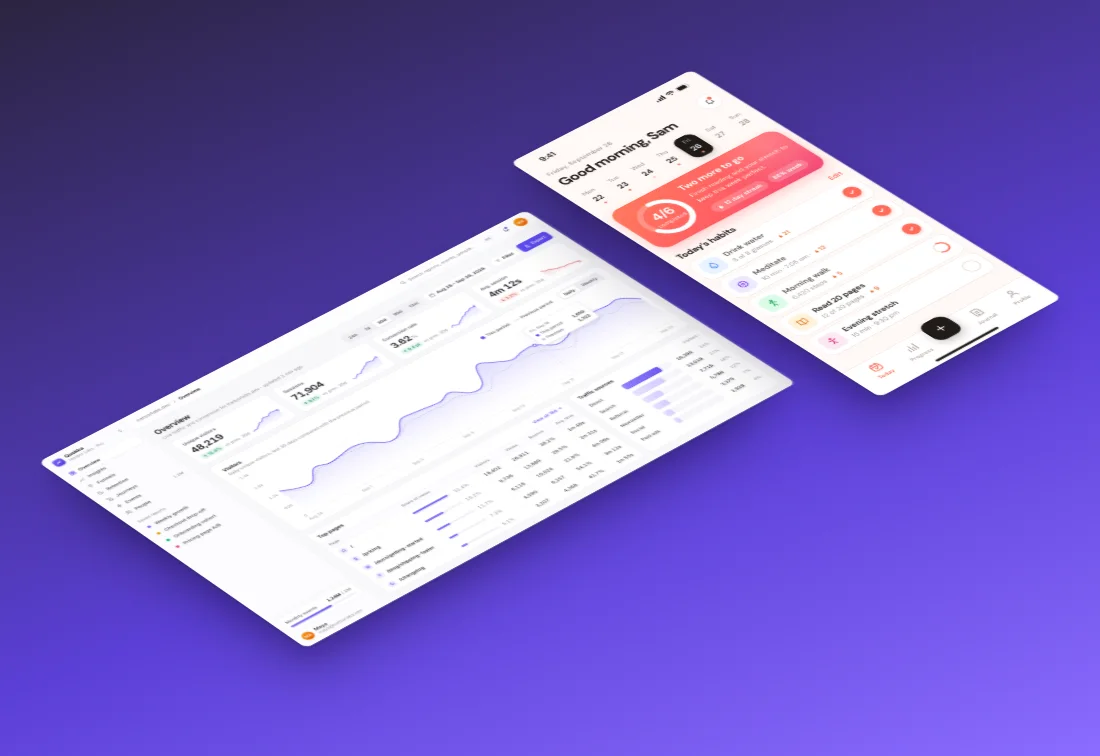
Switching takes about a minute
Paste your screenshot
Paste or drop it above, or open the editor. There's nothing to install and no account to make.
Pick a style
Browse 42 styles rendered with your own screenshot (press G), or press S to shuffle.
Export
Copy it, or download PNG, JPEG or WebP up to 4×, or MP4, WebM or GIF with a motion.
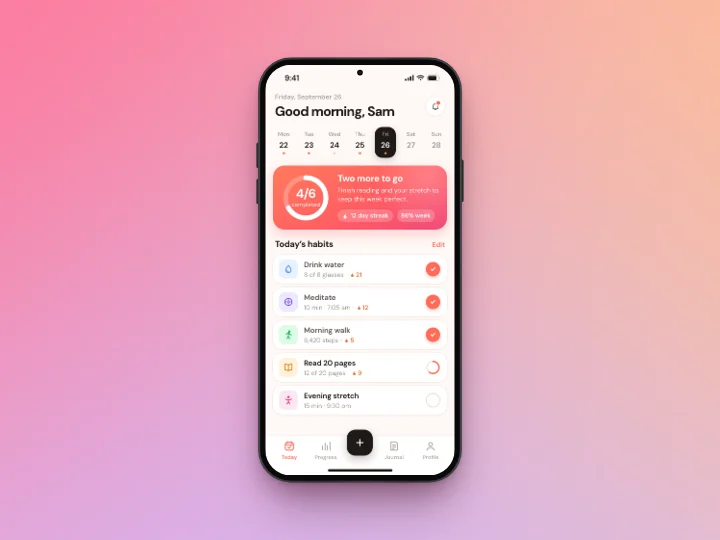
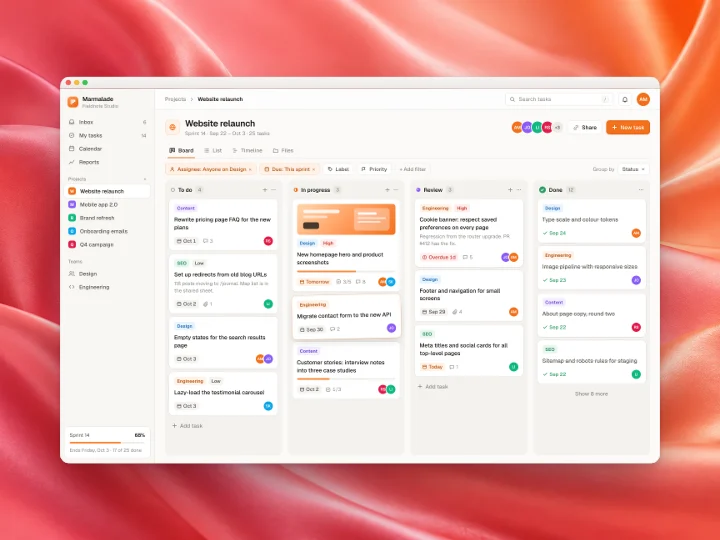
Made with this tool
See all 42 styles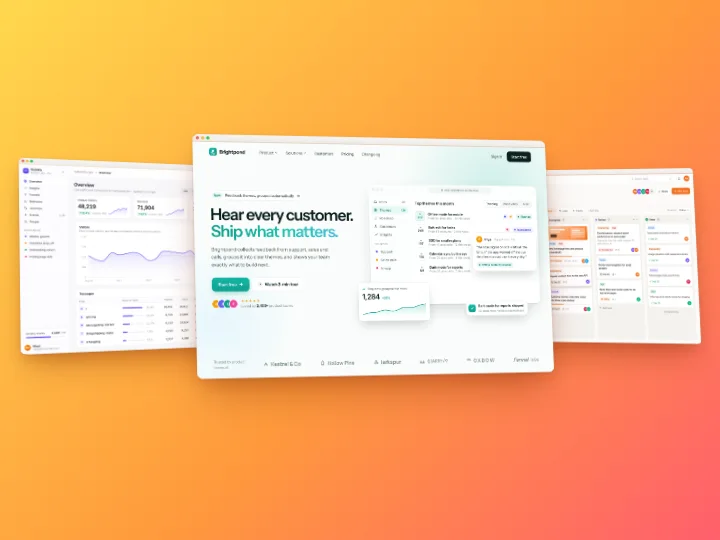
Shotcandy and Shots.so in one paragraph
Both tools turn a screenshot into a finished image with a background, a frame and a shadow, in the browser. Shots.so is a closed-source product from Shots Inc. with free and paid plans (the app lists Plus at $10 a month and Pro at $15), and it leans into device mockups, camera angles and animated video. Shotcandy is a free, MIT-licensed project with no plans at all. It leans into speed and privacy: paste, get a styled image, and nothing leaves your device.
When Shots.so is the better pick
- You want lots of device mockups and camera angles. Shots.so's catalogue and layout presets go further than Shotcandy's six drawn frames.
- You make a lot of animated product videos and want its zoom effects and animation presets.
- You already have a paid plan and a workflow built around it.
When Shotcandy is the better pick
- You don't want to pay or sign in. Every feature, 4× export included, is free, with no watermark.
- You have many screenshots. Style up to 100 at once and export a ZIP with the original file names. See the batch screenshot editor.
- You want several screens in one image in a tidy layout: side by side, overlap, hero, cascade, fan or grid. See multi-screen mockups.
- Privacy matters. Shotcandy is a static site; your screenshot is drawn and exported in your browser tab, never uploaded.
- You also need code images or App Store sets. Both are modes in the same editor.
- You want to read or host the code. It's MIT licensed; build it and serve the static files anywhere.
Rebuilding a Shots.so look in Shotcandy
Most Shots.so designs map onto a few Shotcandy controls:
- Device mockups: pick the phone, tablet or laptop frame (press F to cycle), then add 3D tilt under Layout for an angled look.
- Backgrounds: gradients, meshes, 12 wallpapers, your own image, or From your shot, which builds a palette from the screenshot itself.
- Several items on one canvas: use a multi-screen layout instead of placing each item by hand; the spacing, tilt and overlap are sliders.
- Animation: the Motion tray has eight presets, exported as MP4, WebM or GIF at up to 4K.
Shotcandy vs Shots.so
| Feature | Shotcandy | Shots.so |
|---|---|---|
| Price | Free | Free tier; Plus $10/mo, Pro $15/mo |
| Account | None | Needed to export video |
| Where your image goes | Stays in your browser | Not stated |
| Open source | Yes, MIT | No |
| Style many screenshots at once | Yes, up to 100 | Not listed |
| Several screenshots in one image | Yes, 6 layouts | Not listed |
| Video export | MP4, WebM, GIF | MP4, GIF |
| Style screen recordings | Yes, MP4, MOV, WebM | Not listed |
| Code images | Yes | Not listed |
| App Store sets | Yes | Not listed |
Checked on 30 September 2026 on each tool's own site (linked in the table). "Not listed" means we couldn't find it there. Prices and features change, so check before you decide. Shots.so has no public pricing page; the prices above are the ones its app shows.
Shots.so alternative FAQ
Related tools
Is Shotcandy really free?
Yes. There's no plan, no account and no watermark. Support is optional and changes nothing in the app.
Can I import my Shots.so designs?
No. Start from the original screenshot: paste it and pick a style. Most looks take a few clicks to rebuild.
Does Shotcandy have 3D device mockups?
It has drawn phone, tablet and laptop frames plus 3D tilt, but not photographic 3D scenes. For those, Shots.so or a mockup library is a better fit.
Does it work on Windows and Linux?
Yes. It runs in any modern browser, on any system, including phones.
Can I use the images commercially?
Yes. Your exports are yours, and the built-in wallpapers and frames are MIT licensed with the project.
Your next screenshot deserves better
Paste a screenshot and see it styled in a second.