Turn code into a beautiful image
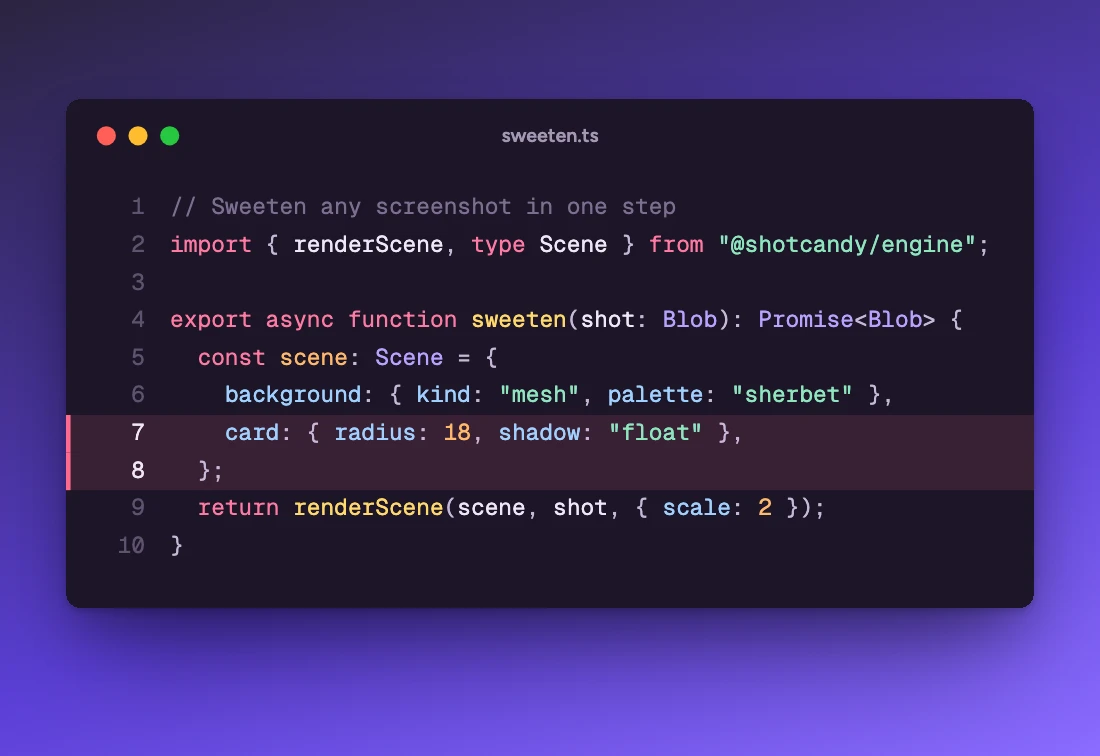
Paste a snippet and get a crisp, highlighted code window on a lovely background. Free, private and instant: your code stays in your browser.
How to make a code screenshot
Paste your code
Drop in any snippet. The language is detected for you, or pick one of 26.
Pick a theme
Eight themes, each paired with a background. Add a file name, line numbers or highlighted lines.
Export
Copy or download PNG, JPEG or WebP up to 4×, or add motion and export MP4, WebM or GIF.
Made with this tool
Open the code editor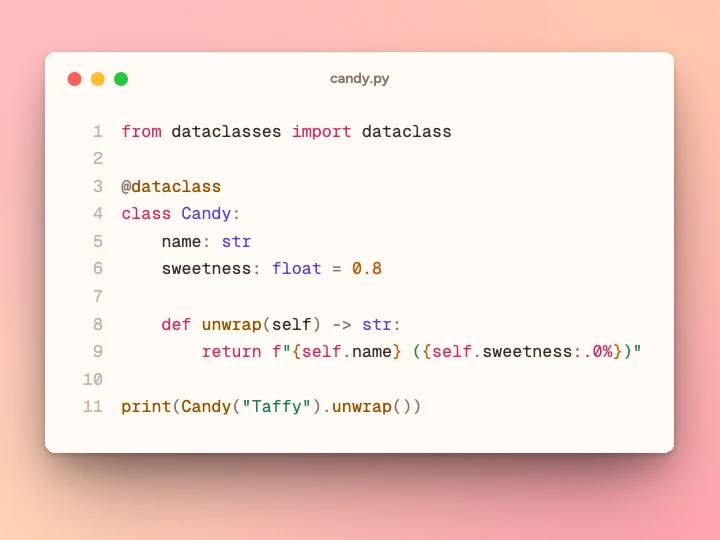
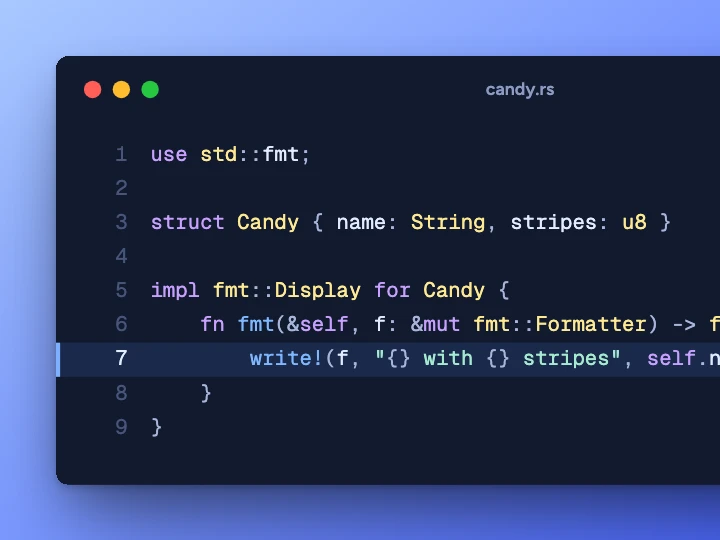
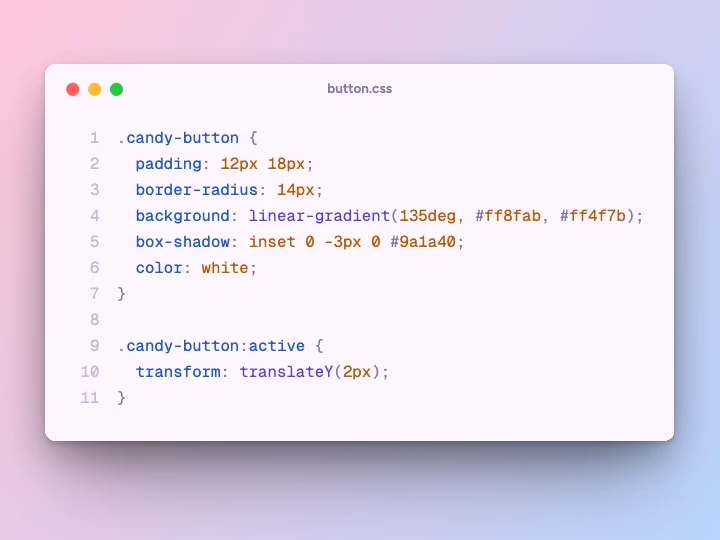
What you can do with it
A code screenshot is easier to read in a feed than a code block, and it keeps your formatting exactly as you wrote it.
Tips and threads on X or LinkedIn
Pick the platform's size in Export and the window is fitted with room around it. Highlight the one line that matters.
Slides
A 16:9 canvas and a larger font size make code readable from the back of the room. Line numbers help when you talk through it.
Blog headers and docs
Add the file name as the window title so readers know where the snippet lives.
Release notes
Show the new API in a few lines, next to a screenshot of what it does, in the same style.
Short videos
Add a motion such as Zoom in or Scroll and export an MP4 or GIF that loops.
Private code
Nothing is sent anywhere, so it's safe for code from work. The highlighter runs in your tab.
Animated code screenshots (MP4 and GIF)
Most code image tools stop at PNG. Shotcandy's code images can move. Pick a motion in the Motion tray (Zoom in, Focus, Scroll, 3D sweep, Float, Drift or Flip in) and export an MP4, WebM or GIF at up to 4K. Scroll pans down a tall design, like scrolling a page, which suits long snippets.
Every frame is drawn by the same renderer as the still image, in your browser, so the video looks exactly like the preview. Looping motions end where they start, so a GIF repeats without a jump.
Themes, windows and highlighted lines
Eight themes: Midnight Candy, Sherbet, Licorice, Mint Julep, Blueberry, Paper, Cotton Candy and Cocoa, each with a background that goes with it. The window can have coloured dots, a quiet title bar, or no chrome at all. Type the lines to highlight (like 2, 5-7) and those lines get a tinted band with a bar at the edge.
You can also set the font size, padding and window width, so a two-line snippet doesn't end up as a thin strip. Everything else in the editor still applies: background, shadow, tilt, and social sizes.
26 languages, detected for you
Syntax highlighting is by Shiki, which reads the same TextMate grammars as VS Code. Leave the language on Auto and a small detector picks one as you paste. The list: TypeScript, TSX, JavaScript, JSX, Python, Rust, Go, Java, Kotlin, Swift, C, C++, C#, PHP, Ruby, HTML, CSS, JSON, YAML, TOML, Markdown, SQL, Shell, Dockerfile, GraphQL, Diff. Anything else can be shown as plain text.
Carbon vs ray.so vs Shotcandy
Carbon and ray.so are the best-known code image tools, and both are free and open source. The main differences are motion and everything around the code.
| Feature | Shotcandy | Carbon | ray.so |
|---|---|---|---|
| Price | Free | Free | Free |
| Open source | Yes, MIT | Yes, MIT | Yes, MIT |
| Image formats | PNG, JPEG, WebP up to 4× | PNG, SVG | PNG, SVG |
| Video or GIF | MP4, WebM, GIF | No | No |
| Screenshots too | Yes, same editor | No, code only | No, code only |
| Social sizes | X, LinkedIn, Instagram, Open Graph and more | Not listed | Not listed |
Checked on 30 September 2026 on each tool's own site (linked in the table). "Not listed" means we couldn't find it there. Prices and features change, so check before you decide. Carbon and ray.so export SVG, which Shotcandy doesn't.
Code screenshot FAQ
Related tools
Is this code screenshot tool free?
Yes. Shotcandy is free and open source, with no watermark and no sign-up. Export as PNG, JPEG or WebP up to 4×, or as MP4, WebM and GIF.
Is my code uploaded anywhere?
No. Highlighting and rendering happen in your browser. Your code never leaves your device.
Which languages are supported?
TypeScript, TSX, JavaScript, JSX, Python, Rust, Go, Java, Kotlin, Swift, C, C++, C#, PHP, Ruby, HTML, CSS, JSON, YAML, TOML, Markdown, SQL, Shell, Dockerfile, GraphQL, Diff. Auto-detect picks one for you.
Can I highlight lines or hide the window buttons?
Yes. Type the lines to highlight (like 2, 5-7), toggle line numbers, and choose coloured window dots, a quiet title bar or no chrome at all.
Can I make an animated code image?
Yes. Pick a motion such as Zoom in, Scroll or 3D sweep and export MP4, WebM or GIF.
Can I put a code image next to a screenshot?
Code images are single designs. Export the code image, then add it as a screenshot in a multi-screen layout next to your other screens.
Your next screenshot deserves better
Open the editor in Code mode and paste your first snippet.