Free alternatives to Shots.so, Screely, Pika, Xnapper and CleanShot X
An honest comparison of the screenshot beautifiers people ask about, including ours. Shotcandy is free, open source and runs in your browser, but it isn't the best pick for everyone.
or drop a file — the editor opens with the style ready
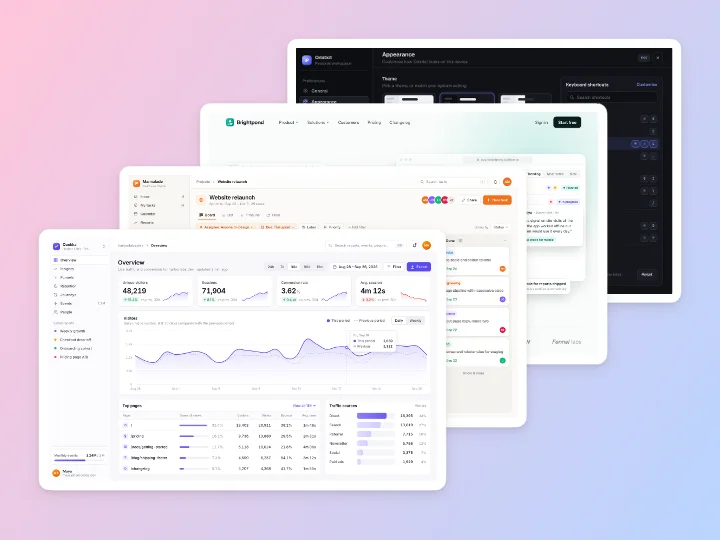
Try Shotcandy in under a minute
Paste
Copy any screenshot and press ⌘V (Ctrl+V), or drop a file above.
Pick a style
Every style previews on your own screenshot. Press S to shuffle.
Export
Copy it, or download PNG, JPEG or WebP up to 4×. No watermark.
Made with this tool
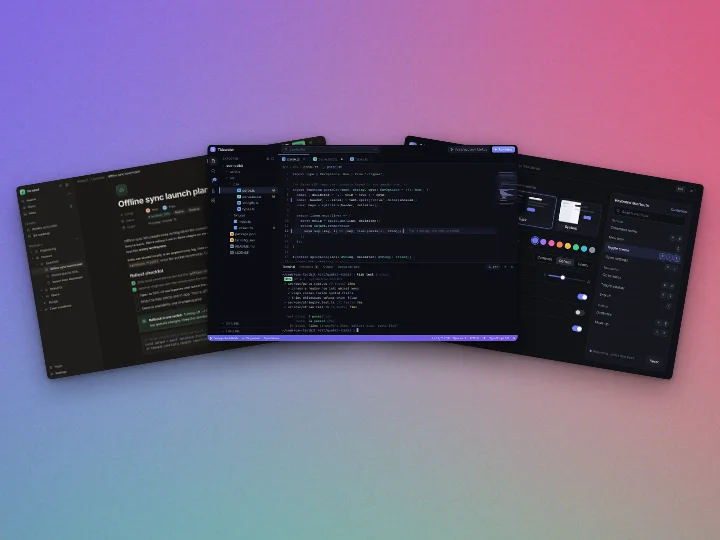
See all 42 styles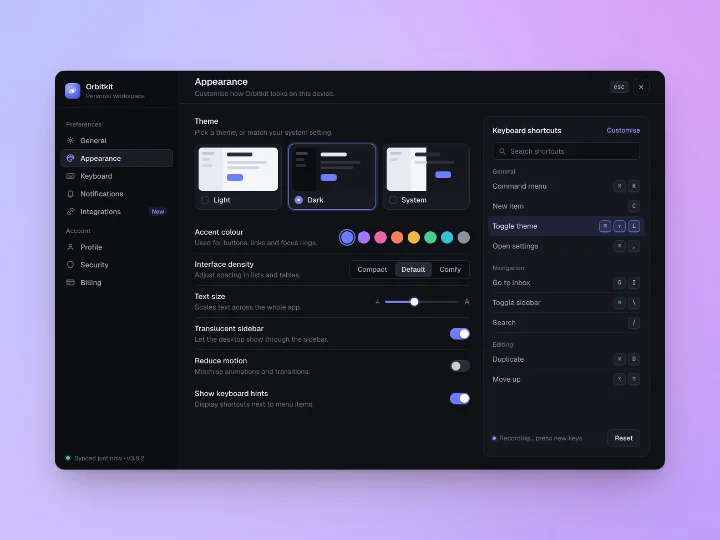
Shots.so alternative
Shots.so is polished and has more device mockups and camera angles than Shotcandy. Its better features sit in paid plans, and its site doesn't say where your image is processed. If you mostly add backgrounds, frames and shadows, Shotcandy does that for free and adds batch export and multi-screen layouts. Shotcandy vs Shots.so.
Screely alternative
The old screely.com domain no longer hosts the tool. A Screely now lives at screely.app, free, with a Chrome extension for capturing tabs. Shotcandy covers the same window mockups, without an extension, and adds device frames, batches and multi-screen designs. Shotcandy vs Screely.
Pika alternative
Pika runs in the browser and keeps images local, like Shotcandy. It has many templates, some of them Pro, and a public repository for its free features under a custom licence. Shotcandy has every feature free under MIT, plus batches and screen recordings. Pika has more ready-made templates and extensions for VS Code and Raycast.
Xnapper and CleanShot X alternative for Windows and Linux
Xnapper and CleanShot X are native Mac apps that capture and beautify in one step, and CleanShot X records the screen. They're excellent if you're on a Mac and want capture built in. Shotcandy doesn't capture; it styles what you paste, so it works anywhere a browser does, including Windows, Linux and phones. Use your system's screenshot shortcut, then paste.
Screenshot Studio, the closest free option
Screenshot Studio is also free, open source (Apache 2.0) and in-browser, and it has batch ZIP export, multi-device layouts, code images and App Store sets. It's the nearest match to Shotcandy, and worth trying. The differences are in the details: in Shotcandy a batch can have per-image changes and can write straight into a folder, and screen recordings get the same styles as screenshots.
The comparison
Facts from each tool's own site. Where a site doesn't mention something, we say so rather than guess.
| Feature | Shotcandy | Shots.so | Screely | Pika | Xnapper | CleanShot X | Screenshot Studio |
|---|---|---|---|---|---|---|---|
| Price | Free | Free tier; Plus $10/mo, Pro $15/mo | Free | Free tier; Pro $150/yr or $299 once | Free with watermark; from $29.99 once | From $35 once | Free |
| Runs on | Any browser | Browser | Browser, Chrome extension | Browser, extensions | Mac | Mac | Browser |
| Account | None | For video export | None | For paid features | Not listed | Not listed | None |
| Image stays on your device | Yes | Not stated | Yes, it says | Yes, it says | Yes (Mac app) | Yes, unless you use Cloud | Yes, it says |
| Open source | Yes, MIT | No | Not stated | Free features only | No | No | Yes, Apache 2.0 |
| Many screenshots at once | Up to 100 | Not listed | Not listed | Not listed | Not listed | Not listed | Yes, ZIP |
| Several in one image | 2 to 6, six layouts | Not listed | Not listed | Pro templates | Not listed | By hand | Yes |
| Video | Style recordings; MP4, WebM, GIF | MP4, GIF | Tab recording | Not listed | Not listed | Screen recording, MP4, GIF | Animations; MP4, WebM, GIF |
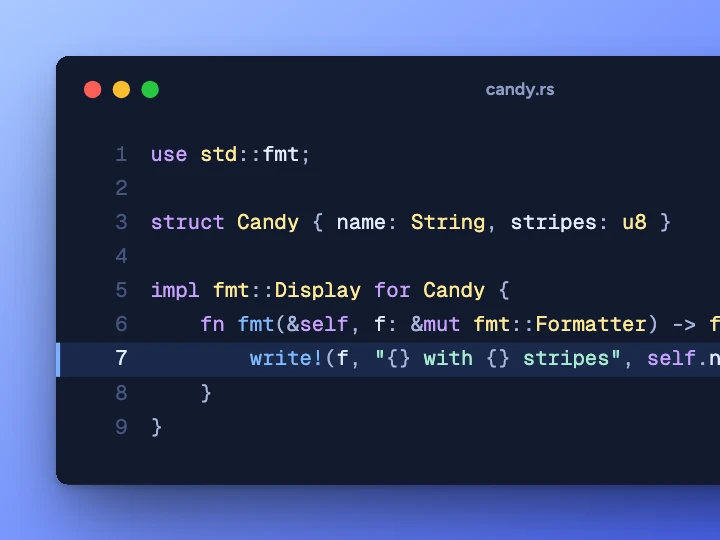
| Code images | Yes | Not listed | Not listed | Yes | Not listed | Not listed | Yes |
Checked on 30 September 2026 on each tool's own site (linked in the table). "Not listed" means we couldn't find it there. Prices and features change, so check before you decide. Shots.so has no public pricing page; its prices are the ones its app shows.
Questions about alternatives
Related tools
What's the best free alternative to Shots.so?
For backgrounds, frames and shadows with no account, Shotcandy and Screenshot Studio are both free and open source. Pika has a free tier. The table above shows where each one differs.
Is there a CleanShot X alternative for Windows?
For the beautifying part, yes: Shotcandy runs in any browser on Windows. It doesn't capture the screen, so pair it with Win+Shift+S and paste.
Why include tools that do things Shotcandy doesn't?
Because you should pick the right tool. If you need 3D scenes, capture built in, or Google Play sizes, another tool will suit you better.
How often is this page checked?
The facts were last checked on 30 September 2026. Tell us on GitHub if something has changed and we'll fix it.
Is Shotcandy affiliated with any of these tools?
No. It's an independent open-source project.
Your next screenshot deserves better
Paste a screenshot and compare for yourself.